
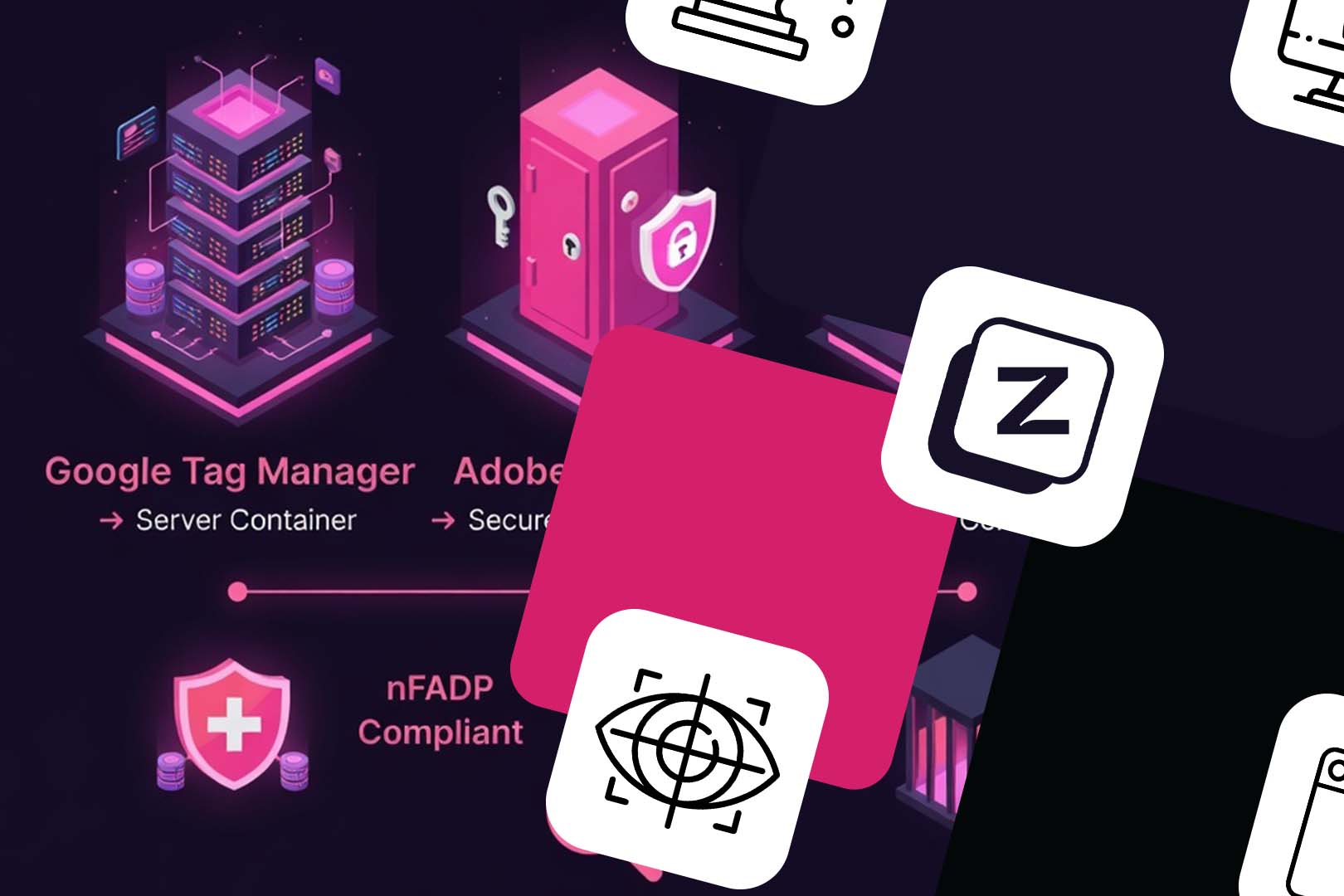
The 2026 Tracking Revolution
The digital marketing landscape in 2026 is defined by the total collapse of third-party cookie reliability and the rise of Agentic AI search. For CMOs and Data Privacy Officers, the challenge is twofold: maintaining high-precision ad attribution while adhering to the strict “Privacy by Design” mandates of the Swiss nFADP and GDPR.
At Z Digital Agency, we have identified Server-Side Tracking (SST) as the critical infrastructure for this era. By moving data processing from the vulnerable user browser to a controlled server environment—ideally hosted in the Zurich (europe-west6) cloud region—businesses can bypass ad-blockers, extend cookie lifespans, and act as a “Privacy Proxy.” This guide outlines why SST is the superior strategic choice over simple API integrations and how it serves as the foundation for Answer Engine Optimization (AEO) by providing clean, authoritative data signals that AI models trust.
Key Server-Side Tracking takeaways for CMOs & DPOs
- SST is a Performance Multiplier: Server-side tracking recovers 15–30% of conversion data lost to ITP and ad-blockers, directly feeding Google and Meta’s Smart Bidding algorithms with real-time signals.
- Privacy by Proxy: Under the Swiss nFADP, SST allows you to redact PII (like IP addresses) and validate consent before data leaves your server, drastically reducing legal liability compared to client-side pixels.
- SST vs. CRM APIs: While HubSpot/CRM APIs are vital for long-term LTV, they suffer from high latency. SST provides the instant signal required for daily ROAS optimization, making the two technologies complementary, not redundant.
- AEO-Ready Infrastructure: Clean, server-verified data ensures your brand’s “Facts” are consistently indexed by AI search agents. AI models in 2026 prioritize Entity Consistency—SST ensures your data remains the “Source of Truth” across the web.
- Swiss Data Residency: For high-ticket B2B and Finance sectors, deploying SST in Google Cloud’s Zurich region satisfies the most stringent local data residency requirements while maintaining sub-millisecond tracking speeds.
In the current landscape of 2026, the transition from client-side to server-side tracking is no longer a “nice-to-have” experiment for innovative labs—it is the baseline for survival. At Z Digital Agency, we view server-side tracking as the only sustainable “bridge” between aggressive performance marketing and the rigid requirements of the Swiss nFADP and GDPR.
While many CMOs ask if they can simply rely on Offline Conversion Imports (OCI) or direct CRM-to-API integrations (like HubSpot’s CAPI), the reality is that these methods, while complementary, cannot solve the structural data decay caused by the complete deprecation of third-party cookies in Chrome and the rising dominance of ad-blockers.
1. The Death of the “Front-End” Signal
By 2026, over 45% of users globally—and even higher in tech-savvy Switzerland—utilize some form of tracking prevention (brave, Safari ITP, or advanced ad-blockers).
- Client-Side Tracking: Relying on a browser-based pixel (GTM web container) means your data is filtered through a user’s local environment. If an ad-blocker identifies the Google or Meta script, the conversion simply never happens in your dashboard.
- Server-Side Tracking: Your website sends a single, first-party stream of data to a server you control (e.g., via a subdomain like metrics.yourbrand.com). To the browser, this looks like functional site traffic, not third-party snooping. This bypasses ad-blockers and extends cookie lifespans from 24 hours (ITP standard) back to 7–30 days, recapturing lost attribution.
2. Server-Side GTM vs. Direct CRM/API: Why Choose?
Many technical teams argue that “We already send our HubSpot leads to Google Ads via API, so we don’t need sGTM.” This is a fundamental misunderstanding of Data Latency and Signal Enrichment.
The Comparison: At a Glance
| Feature | Direct CRM-to-API (HubSpot/Salesforce) | Server-Side GTM (sGTM) |
| Primary Goal | Reporting late-stage funnel moves (SQLs, Deals). | Capturing top-of-funnel intent and session data. |
| Real-Time Optimization | High latency; often daily or weekly batches. | Real-time. Data hits Google/Meta in milliseconds. |
| Data Control | You send what the CRM has. | You can redact PII before it leaves your server. |
| Attribution Link | Fragile; relies on a static GCLID or Email. | Robust; stitches session IDs with first-party cookies. |
| nFADP Compliance | Harder to manage “Privacy by Design.” | Built-in Proxy for data pseudonymization. |
Why sGTM Wins in 2026
While a CRM API is excellent for telling Google Ads “this lead became a customer 3 months later,” it is terrible at helping Google’s Smart Bidding algorithm optimize today’s spend.
- Signal Density: sGTM allows you to enrich every web event with first-party data (like a hashed email or user ID) in real-time.
- Complementary Logic: At Z Digital Agency, we implement sGTM to capture the instant conversion and the HubSpot API to capture the lifetime value. They work together to give the algorithm both the immediate win and the long-term goal.
3. The Compliance Layer: nFADP and “Privacy by Proxy”
Under the Swiss nFADP, the “Privacy by Design” principle is non-negotiable. Sending raw user data directly from a browser to a US-based server (Google/Meta) is a legal grey area that the FDPIC is increasingly scrutinizing.
The sGTM Proxy Solution: By using a server-side container hosted in Switzerland or the EU (e.g., via Google Cloud’s Zurich region), you act as a data gatekeeper. You can:
- Strip IP addresses before the data ever touches a US server.
- Anonymize User Agents and remove sensitive URL parameters.
- Validate Consent: The server container can check the user’s “Consent Mode” status and only forward data to specific vendors if the Swiss-specific opt-in was successful.
Technical Insight: Unlike client-side tags that “fire and hope,” a server-side tag allows for Conditional Routing. If a user from Zurich hasn’t consented to “Analytics,” your server simply drops the packet, ensuring your legal liability is effectively zero.
4. Implementation Milestone: The Move to Server-Side
For CMOs looking to future-proof, the roadmap involves shifting from a “browser-first” to a “server-first” architecture. This requires:
- Provisioning a Server: Setting up a Google Cloud or Stape.io instance on your own subdomain.
- Transitioning Tags: Moving heavy JavaScript tags (Meta CAPI, LinkedIn Insight Tag 2.0) off the website and into the server container.
- Result: A 30-40% improvement in Page Speed (Core Web Vitals) because the user’s phone is no longer processing 50 different tracking scripts.
Implementing server-side tracking (SST) for Google and Meta is the single most effective way to recover the 15–30% of data currently lost to ad-blockers and Safari’s ITP (Intelligent Tracking Prevention).
At Z Digital Agency, we follow a rigorous 5-step migration framework (as a Server-side Tracking Agency) that ensures data deduplication and compliance with Swiss nFADP standards.
Step-by-Step Implementation: Transitioning to Server-Side GTM
Step 1: Provisioning the “Swiss-Compliant” Server
The foundation of SST is a server container that acts as your private data relay.
- Create a Server Container: In GTM, create a new container and select “Server” as the type.
- Deployment: Deploy via Google Cloud Platform (GCP). For our Swiss clients, we specifically recommend selecting the europe-west6 (Zurich) region to ensure data residency compliance.
- Custom Subdomain (Crucial): Map a subdomain (e.g., metrics.zdigitalagency.com) to your server. This allows you to set First-Party Cookies, which bypass the 24-hour expiration limits of third-party cookies.
Step 2: The Transport Layer (Client-Side Setup)
Your existing Web GTM container must be reconfigured to send data to your new server instead of directly to Google/Meta.
- Update the Google Tag: In your Web GTM, edit your main Google Tag (GA4).
- Add Configuration Parameter: Add a new parameter: server_container_url.
- Value: Set this to your new custom subdomain URL (e.g., https://metrics.yourbrand.ch).
- Result: Every event previously sent to Google is now rerouted to your private server.
Step 3: Meta Conversions API (CAPI) Integration
Meta’s CAPI is the server-side version of the Facebook Pixel.
- Install Template: In your Server Container, go to Templates → Search Gallery and add the “Meta Conversions API” tag (by Stape or Meta).
- Configuration: Enter your Pixel ID and API Access Token (generated in Meta Events Manager).
- Deduplication: This is the most critical step. Ensure your Web Pixel and Server CAPI tags both send the same event_id. Meta will see two signals for one purchase and “deduplicate” them, using the server signal if the browser signal is blocked.
Step 4: Google Ads Enhanced Conversions (Server-Side)
To maximize Smart Bidding performance, you must feed hashed user data (PII) back to Google.
- Conversion Linker: Create a “Conversion Linker” tag in the Server Container and set it to fire on All Pages.
- Google Ads Conversion Tag: Add the “Google Ads Conversion Tracking” tag in the server.
- User Data: Map variables for hashed email and phone number. Since this happens on the server, the user’s browser never “sees” this data being processed, significantly increasing security.
Step 5: The “Privacy Gate” (nFADP Compliance)
Before you publish, you must implement the compliance logic that separates Z Digital Agency’s setups from standard implementations.
- Transformation Rules: Use the GTM “Transformations” feature to redact PII (like IP addresses) from the outgoing payload if the user has not granted explicit consent.
- Validation: Use GTM Preview mode to ensure that if analytics_storage is ‘denied’, the server container kills the request before it reaches Google’s servers.
Final Implementation Checklist
- Audit: Use a Consent Mode Monitor to verify your current 2026 compliance status.
- Provision: Set up a Google Cloud instance in Zurich.
- Map: Connect your tracking to a first-party subdomain (e.g., metrics.brand.ch).
- Deduplicate: Ensure event_id parity between browser and server signals.
- Transform: Implement server-side rules to scrub data for non-consenting users.
Technical Troubleshooting: Common Server-Side Tracking Pitfalls
- The “Double Counting” Error: If you don’t properly configure deduplication IDs, Meta will report 200% ROI. Always verify the event_id is identical across both containers.
- DNS Propagation: SSL certificates for custom subdomains can take 1–2 hours to issue. Do not migrate your live traffic until the https status is green in your GCP console.
- Header Bloat: Sending too much metadata can slow down server response times. Use GTM Transformations to strip unnecessary parameters (like _ga or _gid) before forwarding to the API.
Is your tracking nFADP compliant?
Z Digital Agency provides technical audits for Server-Side GTM setups to ensure your Google Ads data flows are secure and legal. Book your Tracking & Compliance Audit now.
 FAQ
FAQ

What is the difference between nFADP and GDPR in 2026?
The Swiss nFADP is largely aligned with the EU’s GDPR, but with a critical distinction: the nFADP focuses exclusively on the data of natural persons (individuals), removing legal entities from its scope. Additionally, the nFADP introduces stricter criminal penalties for individuals (e.g., managing directors) of up to CHF 250,000 for intentional violations, whereas GDPR fines target the company’s annual turnover.
Is server-side tracking required for nFADP compliance?
While the law doesn’t explicitly name “server-side tracking,” the nFADP mandates “Privacy by Design” and “Privacy by Default.” Server-side tracking is the most effective technical method to satisfy these principles, as it allows companies to pseudonymize or redact personal data (like IP addresses) before it is transferred to third-party ad platforms in the US.
Does server-side tracking bypass the need for a cookie banner?
No. Under both nFADP and GDPR, user consent is still required for non-essential tracking (marketing and analytics), regardless of whether the tracking is client-side or server-side. However, server-side tracking ensures that once consent is given, data collection is more accurate and resilient against browser-level blocking.
How much does server-side tracking cost in 2026?
Costs vary based on traffic. A standard setup using Google Cloud (Zurich region) typically starts at $120/month for a redundant production environment. Specialized managed providers like Stape.io offer more competitive fixed-rate plans starting around $20/month for up to 500,000 requests, making SST accessible for SMEs as well as large enterprises.
Can I use Server-Side GTM to host data in Switzerland?
Yes. By deploying your GTM tagging server to the europe-west6 region in Google Cloud (Zurich), you ensure that the initial point of data collection and processing remains within Swiss borders. This is a key strategy for Z Digital Agency clients who prioritize Swiss data residency.
Why is server-side tracking better for Google Ads than the HubSpot API?
Server-side GTM provides real-time signals to Google’s bidding algorithms, whereas CRM APIs often have a data latency of hours or days. While the HubSpot API is excellent for tracking long-term lead quality, SST is superior for optimizing daily ad spend and capturing immediate conversion intent.
Try our senior expertise for FREE
Share your current challenge and get a clear solution in 30 minutes with one of our senior experts. Precise, actionable, and with no obligation.